HVAC/R AI Pro logo

HVAC/R AI Pro

HVAC troubleshooting apps

How to choose

How to choose the best HVAC troubleshooting app for the field.

When you compare HVAC troubleshooting apps, check what the app does on an actual call: whether it works from what you already see and read, whether it needs a kit of probes first, what the free plan includes, and what happens when the unit comes back. HVAC/R AI Pro measures up on all four, free to start.

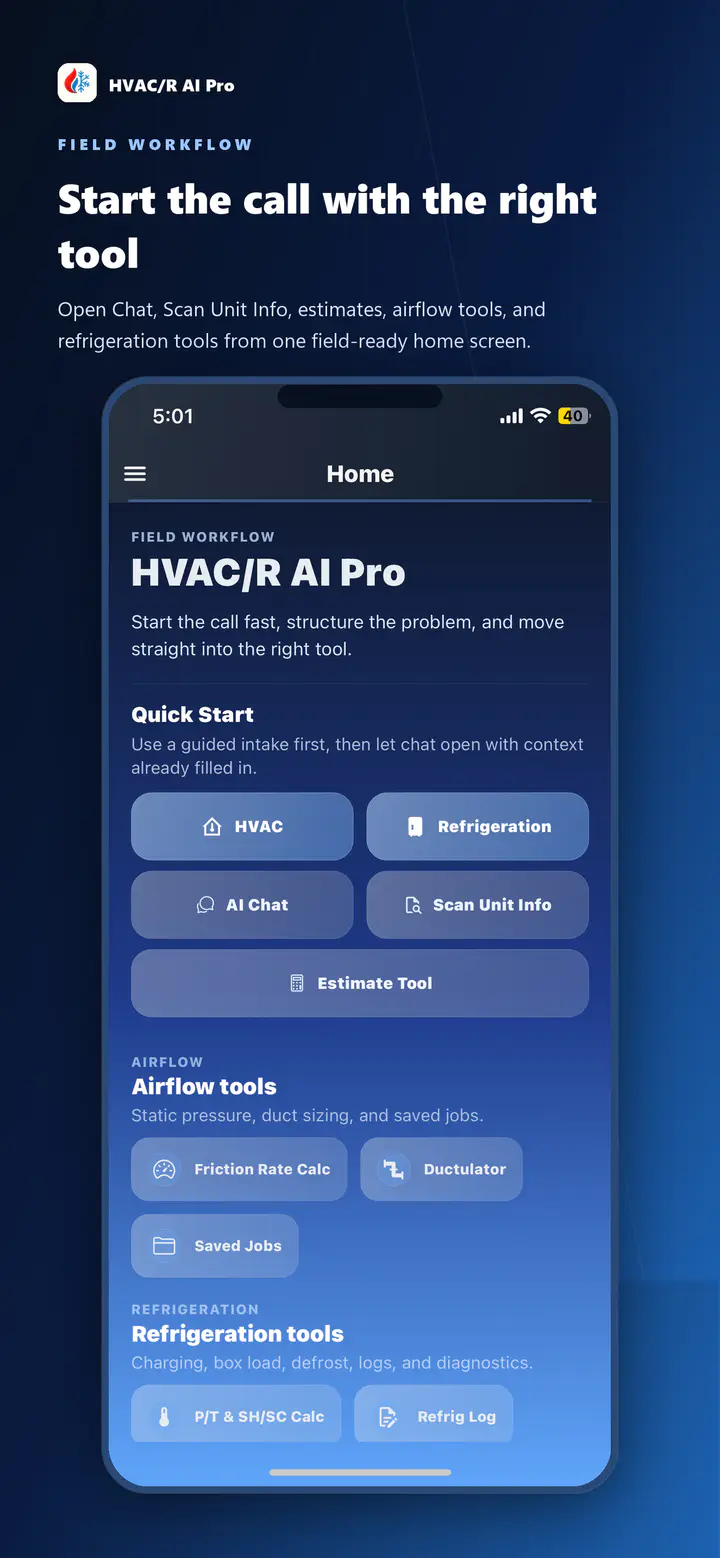
HVAC/R AI Pro mobile quick-start screen with AI Chat and connected field tools
Released quick-start screen with AI Chat and connected field tools.

Before you compare

Know what the app has to do on the next call.

Pricing, platforms, and names change quickly. The criteria that survive a season of service calls are behavioral: does it keep the call in one place, does it need extra gear, what does it cost to start, and can you return to the work later?

  1. Keep the whole call in one place

    Symptoms, readings, equipment details, and job photos should stay together in the conversation you work from, so nothing is scattered across a text thread with the office.

  2. Decide whether you need probes

    Some troubleshooting apps assume you carry a kit of Bluetooth probes and gauges. The conversation should also work from what you already see and read, so the diagnosis does not stall on gear.

  3. Check the entry cost

    A real free plan tells you whether the app fits your call before you pay. Check for a free tier that is useful on a real job, not a trial that forces a card up front.

  4. Check what happens after the visit

    Callbacks reopen the same record. Saved history and a signed-in web dashboard let you pick the conversation back up instead of asking the customer to repeat what already happened.

01 · Equipment context

Start from the unit, not a blank prompt.

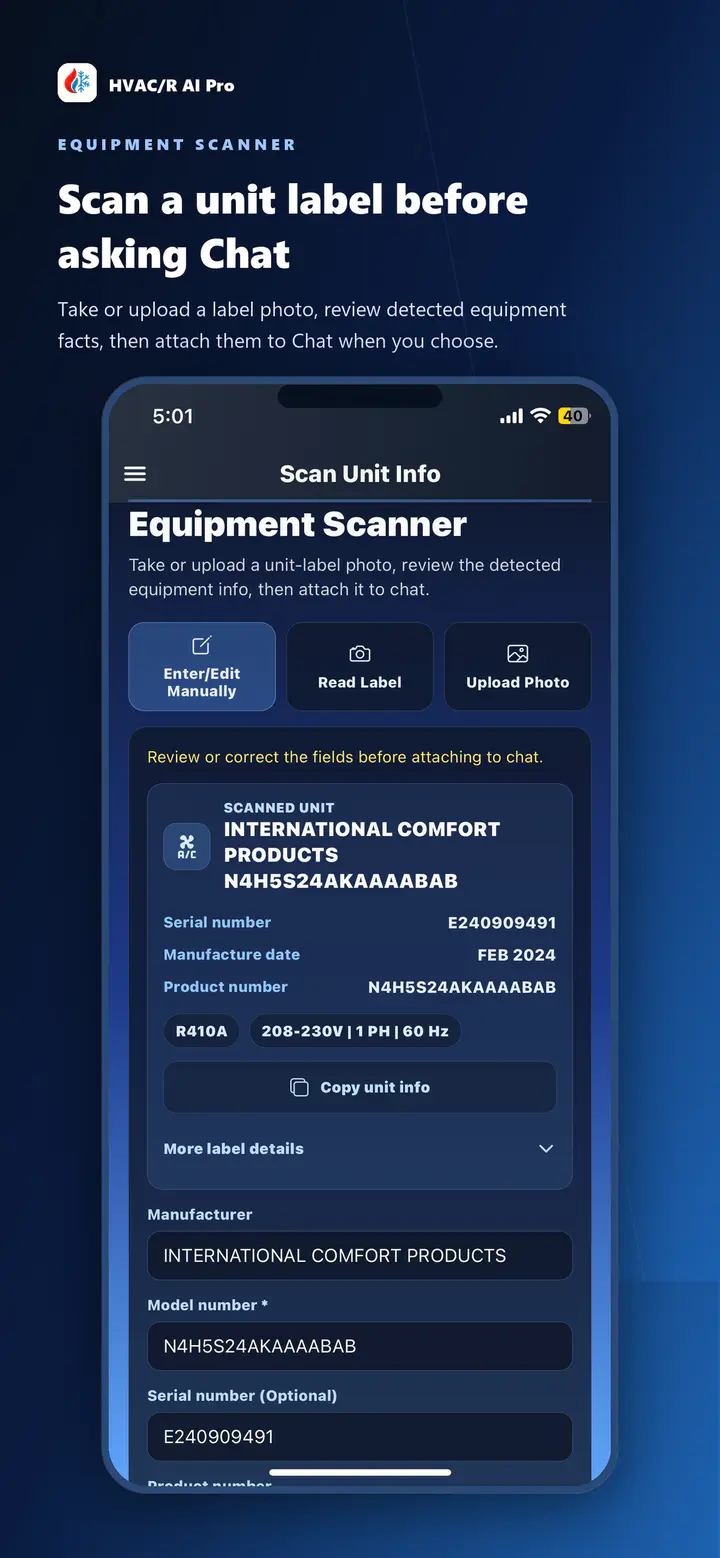
Review an equipment-label photo so the model, serial, and specs follow the conversation. The scan is reviewed before anything is used, and you choose whether the context is attached to the call.

Works from the type, symptoms, readings, and photos you enter yourself.

  • Nameplate text is extracted on-device and requires your review
  • No Bluetooth probes or gauges required to start
  • You verify the result against the equipment in front of you
HVAC/R AI Pro Equipment Scanner review screen with editable equipment data
Released equipment context workflow.

02 · Diagnostics

A diagnostic conversation, not a decision tree.

Keep filter condition, airflow, restrictions, coil observations, and measured charge-related readings together. Follow equipment procedures and safe field practices while deciding which checks apply to the call.

Free to start, with Basic for occasional support and Pro for more AI usage during regular field work.

  • Technicians review suggested checks against equipment procedures
  • Symptom, reading, and photo context stays attached to the call
  • AI supports the next check instead of handing you an answer
HVAC/R AI Pro quick-start screen with AI Chat and connected field tools
Released diagnostics workflow.

03 · Field tools

Airflow, duct, and refrigerant work beside the diagnosis.

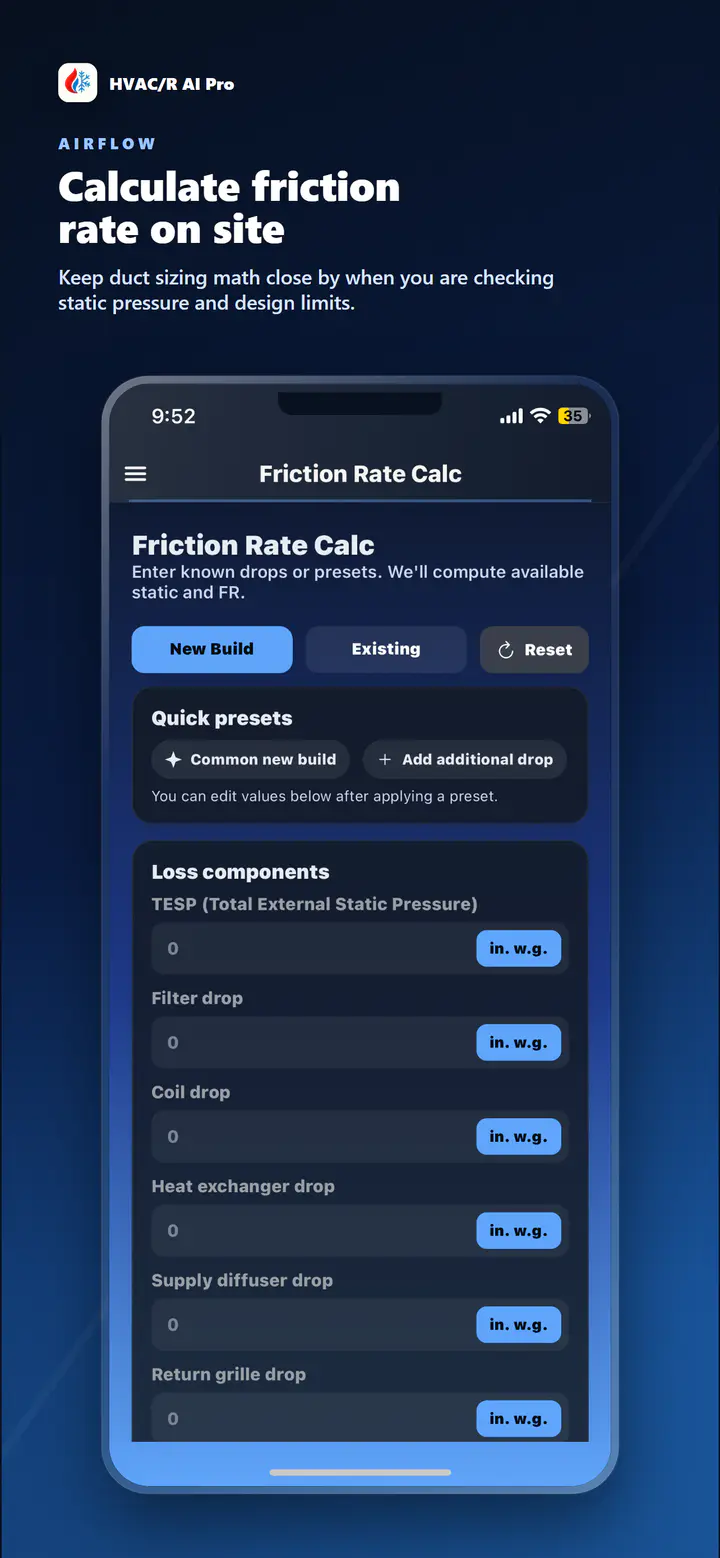
Static pressure, friction rate, duct sizing, pressure-temperature references, and estimate guidance live next to the conversation, so the next step does not require a separate app.

Released tools on iPhone and iPad; supported work on the web dashboard.

  • Airflow, static-pressure, and duct-sizing workflows
  • Refrigeration tools including pressure-temperature support
  • Repair or replacement estimate guidance from a documented diagnosis
HVAC/R AI Pro friction-rate workflow with static-pressure, airflow, and effective-length inputs
Released field tools workflow.

04 · Follow-up

Callbacks start from the record, not from scratch.

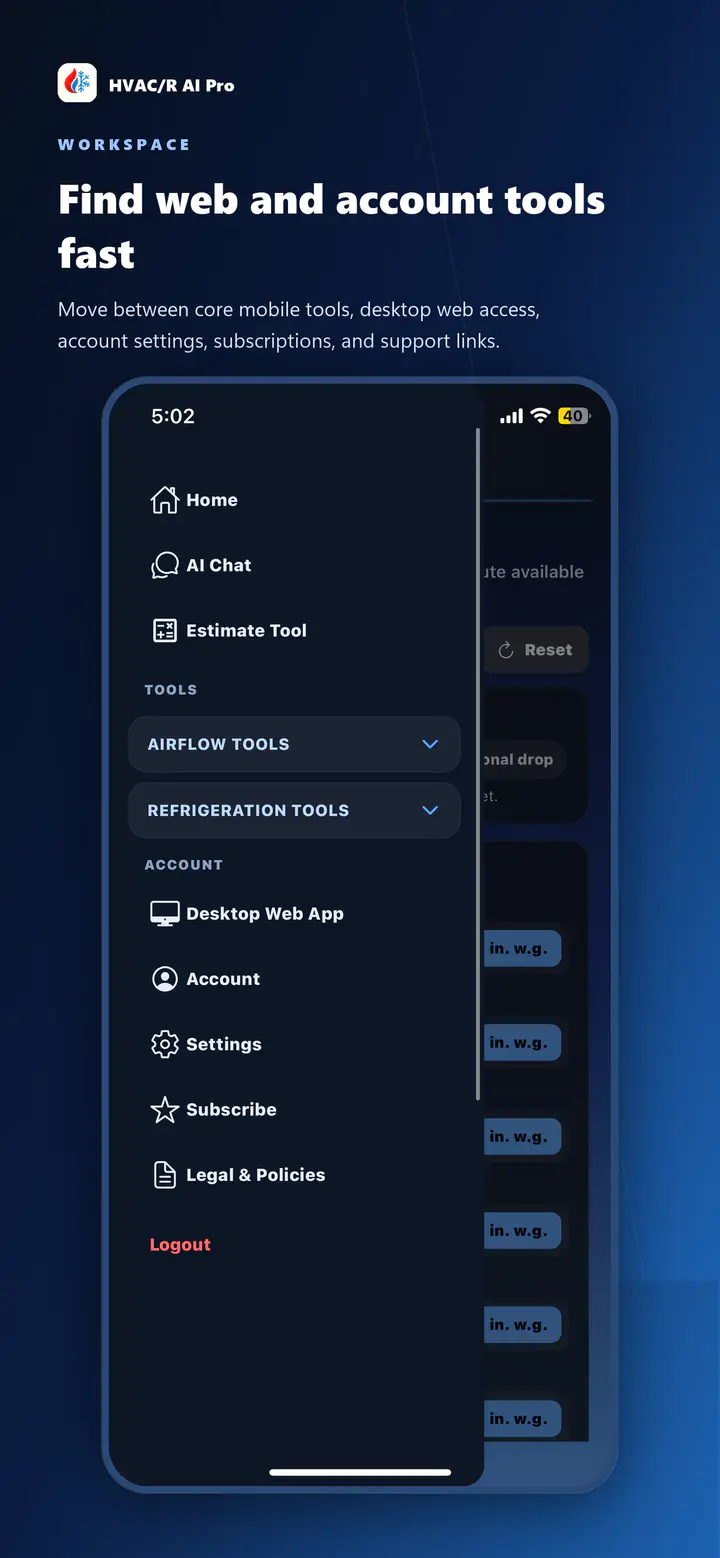
Basic and Pro accounts keep saved chat history, so a follow-up visit reopens the same record on iPhone, iPad, or the signed-in web dashboard and adds the new readings or photos.

Saved history and durable saved work with Basic and Pro.

  • Saved conversations reopen on mobile or the web dashboard
  • New readings or photos extend the existing record
  • Plans start free and upgrade for daily field use
HVAC/R AI Pro account menu showing access to the signed-in web dashboard
Released follow-up workflow.

Compare the right category

The type of app changes the comparison.

Questions to ask when you compare.

What is the best HVAC troubleshooting app?

The right app for your truck depends on how you work. HVAC/R AI Pro starts free, does not require Bluetooth probes or gauges, keeps symptoms, readings, and job photos in one conversation, and includes airflow, duct, and refrigerant tools, so the diagnosis and the next step stay in one place.

Are HVAC troubleshooting apps free?

Some are, and HVAC/R AI Pro is free to start. Free is $0 with a small weekly AI allowance shared across chat, photo analysis and estimates. Basic ($10/mo) and Pro ($19.99/mo) add saved history and durable saved work, with one monthly shared AI allowance on Basic and regular field work on Pro. AI usage limits apply to Pro; chat, photo analysis and AI estimates share AI usage.

What does an HVAC diagnostic app do?

An HVAC diagnostic app helps a technician work through symptoms, readings, and equipment details toward the next check to run. HVAC/R AI Pro keeps that context in one AI-guided conversation and includes the airflow, duct, and refrigerant tools the call might need, while you verify the result against the equipment.

Is an HVAC fault finder app the same thing?

Close. Apps that position themselves as fault finders suggest likely problem areas from the symptoms you enter. HVAC/R AI Pro works the sequence with you, keeps your readings and photos attached, and suggests the next check instead of treating a guess as a diagnosis.

Do I need special probes or gauges for HVAC/R AI Pro?

No. The troubleshooting conversation works from the symptoms, readings, and photos you enter yourself. It does not connect to Bluetooth probes or gauges, so you start with what you already have on the call.

Does it keep my saved work between visits?

Yes. Basic and Pro accounts keep saved chat history and durable saved work, so a follow-up visit reopens the same record on iPhone, iPad, or the signed-in web dashboard instead of starting from a blank conversation.

Start free, compare the rest on your own truck

Run the next diagnosis in HVAC/R AI Pro.