HVAC/R AI Pro
Features
Feature overview
One HVAC/R workflow for field calls and desktop follow-up.
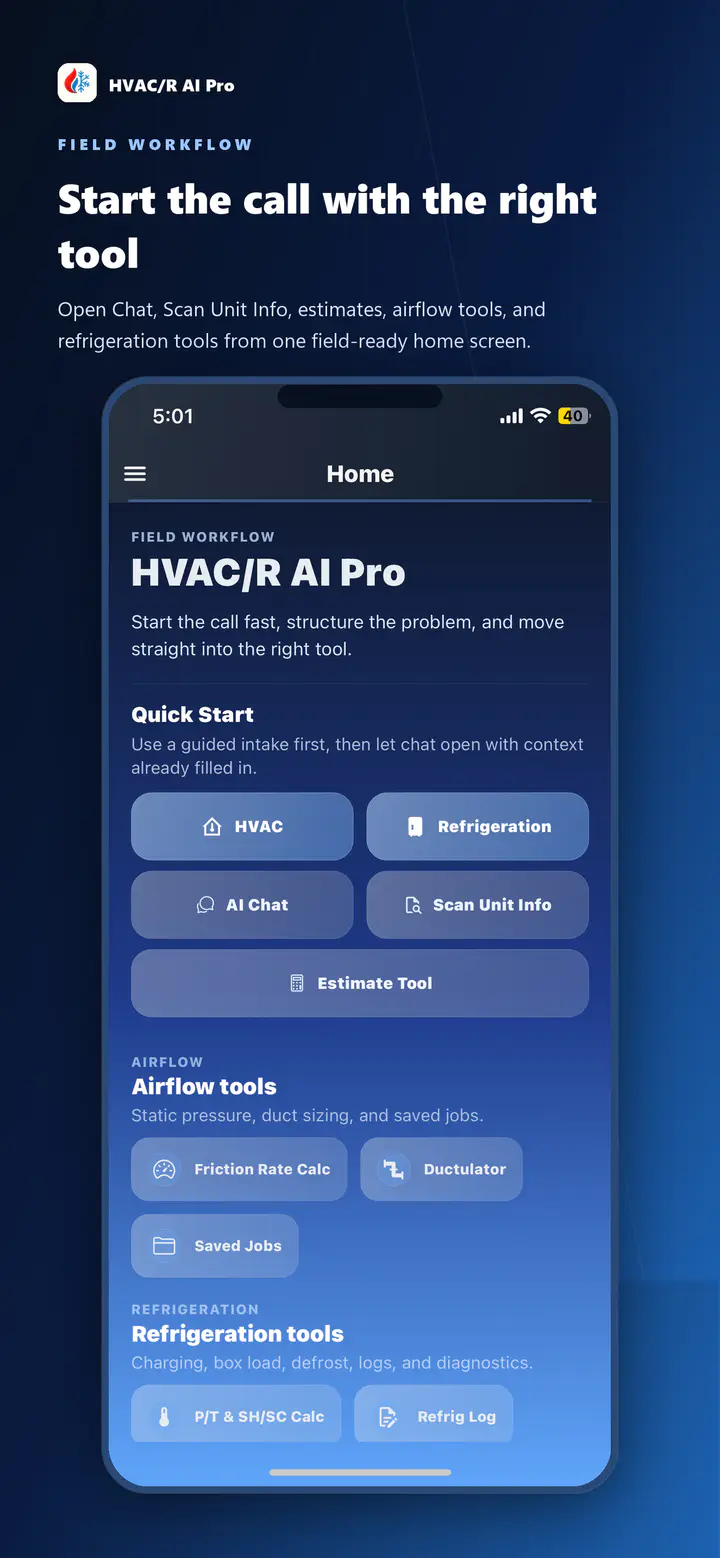
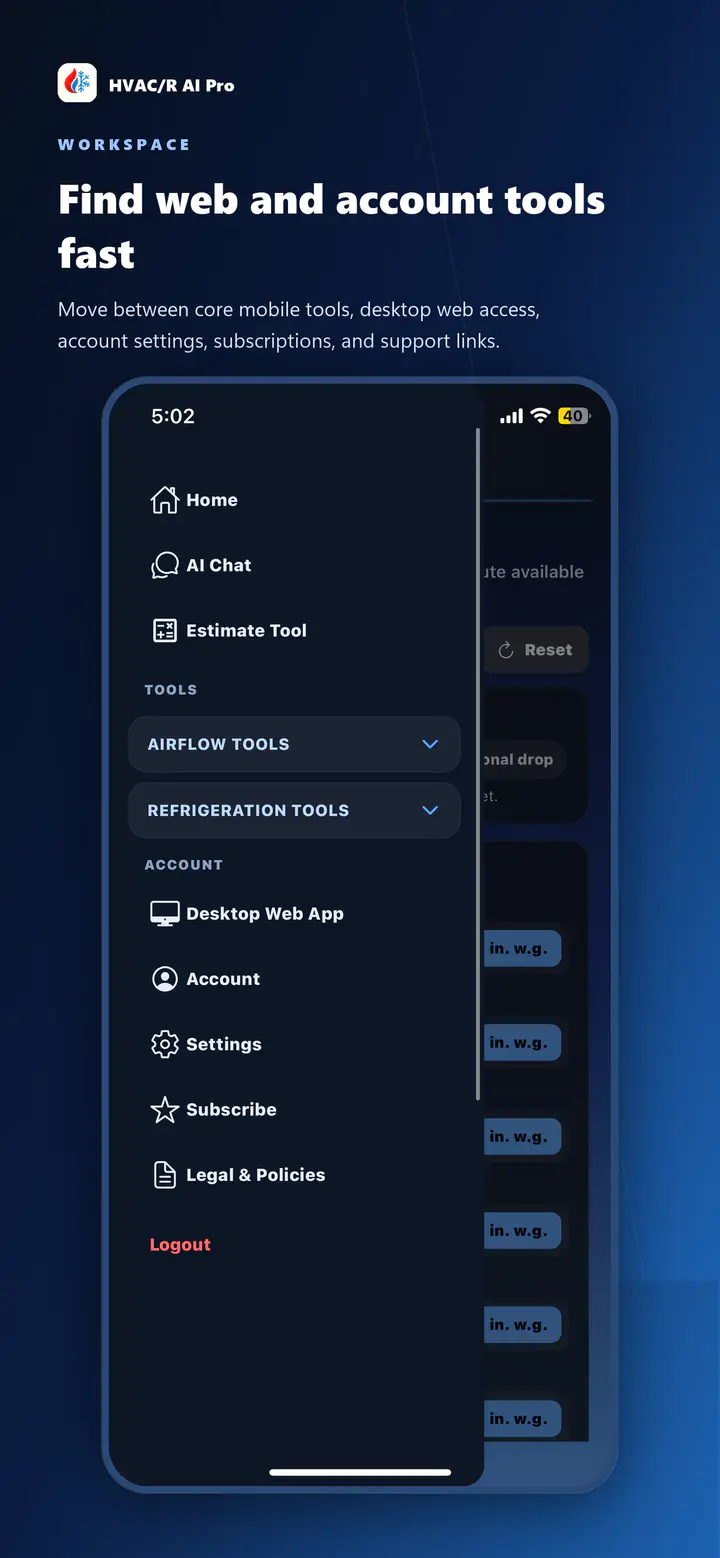
Browse the major HVAC/R AI Pro tool areas, from troubleshooting and airflow support to estimates, refrigeration work, dashboard access, and planned Manual J workflows.
- Service-call troubleshooting
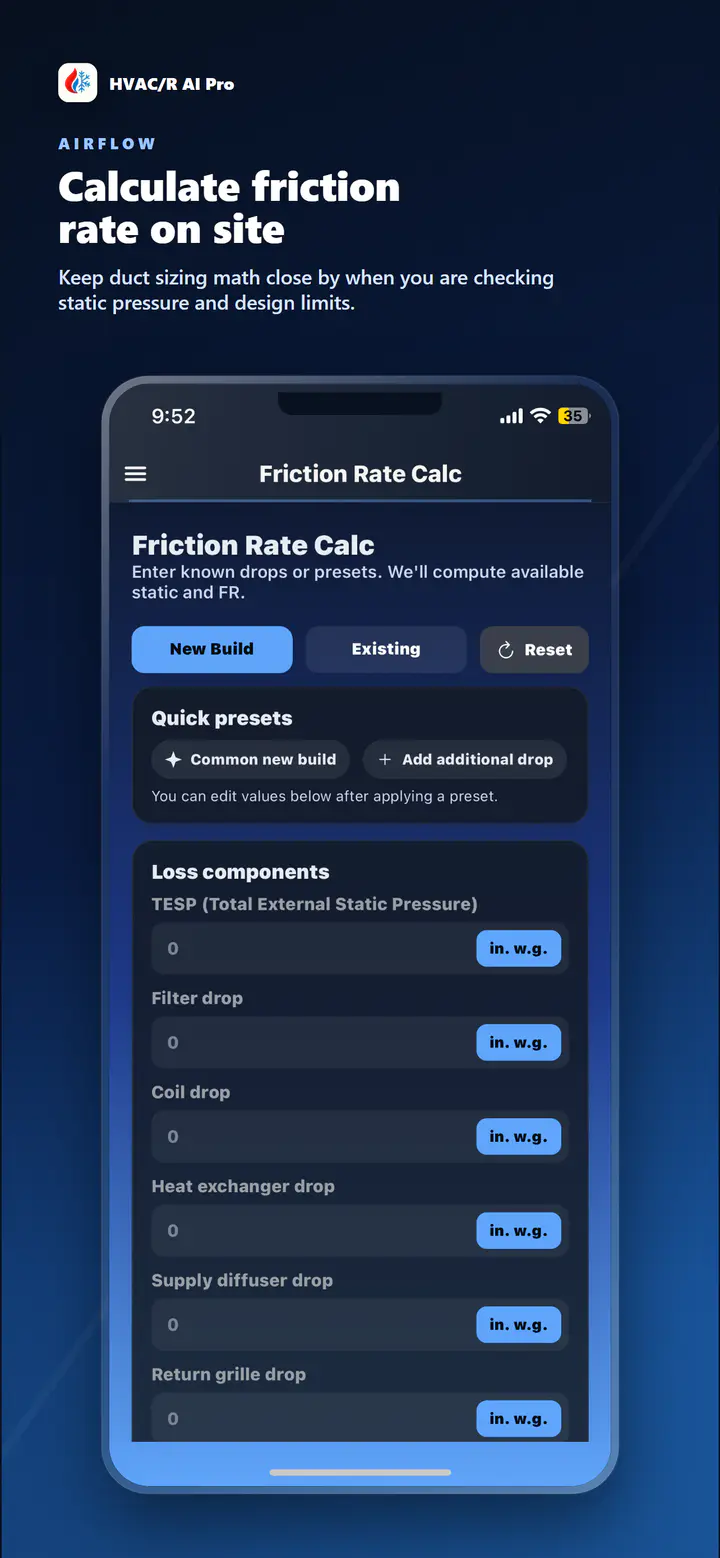
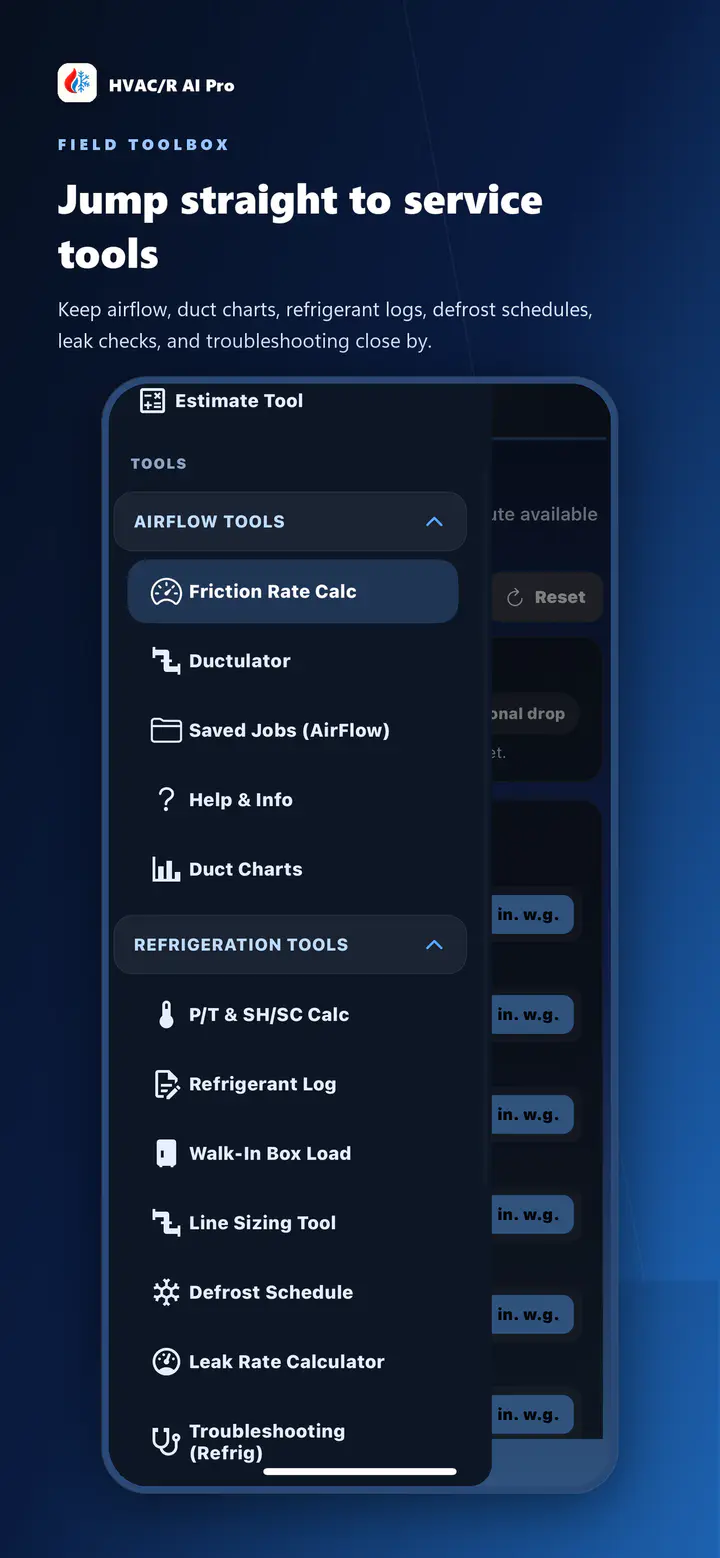
- Airflow and duct workflows
- Estimate and dashboard continuity
Browse tools
Pick the part of the workflow you want to inspect first.
Troubleshooting
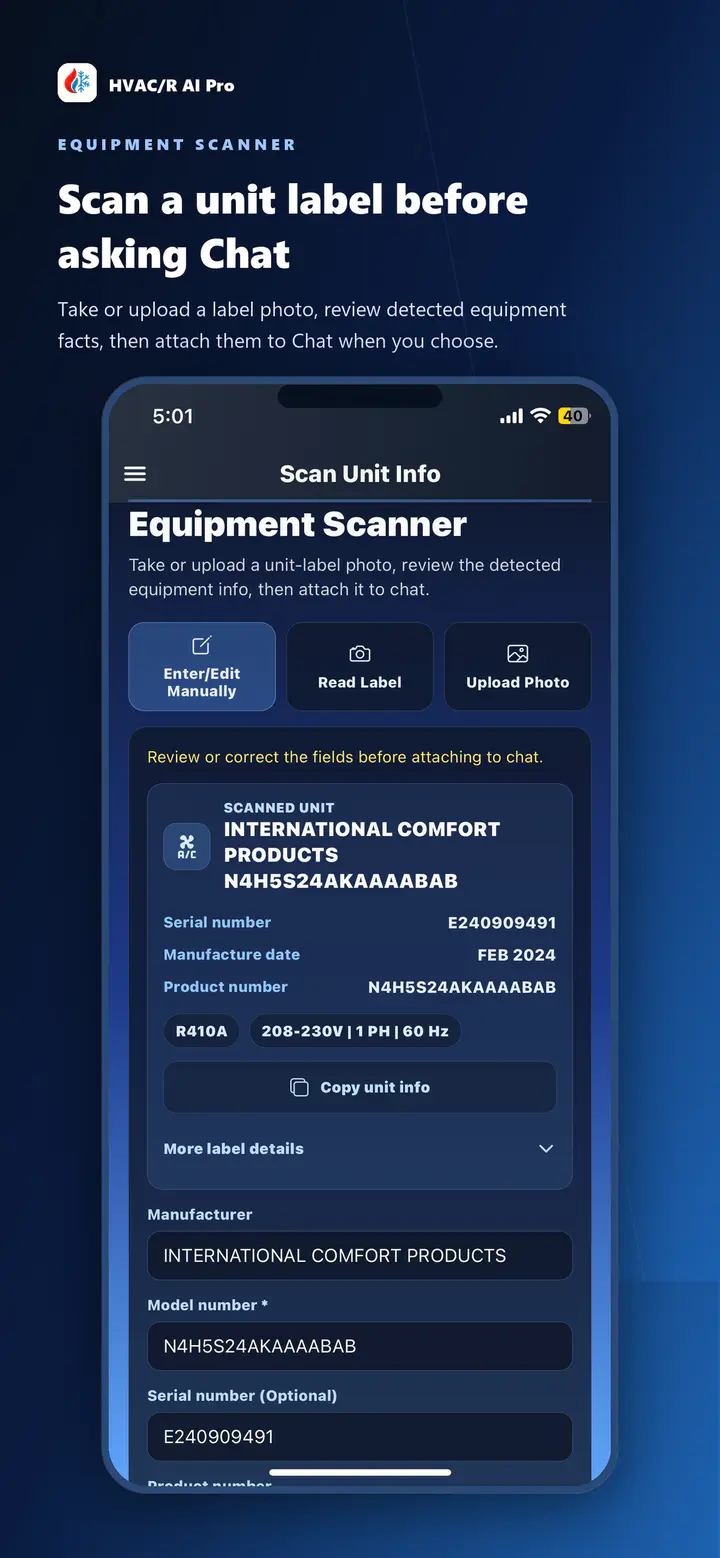
HVAC/R AI Pro helps service technicians work through HVAC and refrigeration troubleshooting, field notes, photos, and customer-ready next steps.
02Airflow
Plan airflow, static pressure, friction rate, and duct sizing work with HVAC/R AI Pro field tools and upcoming web dashboard workflows.
03Duct sizing
HVAC/R AI Pro supports duct sizing and ductulator-style workflows for HVAC technicians working through airflow and duct system checks.
04Refrigeration
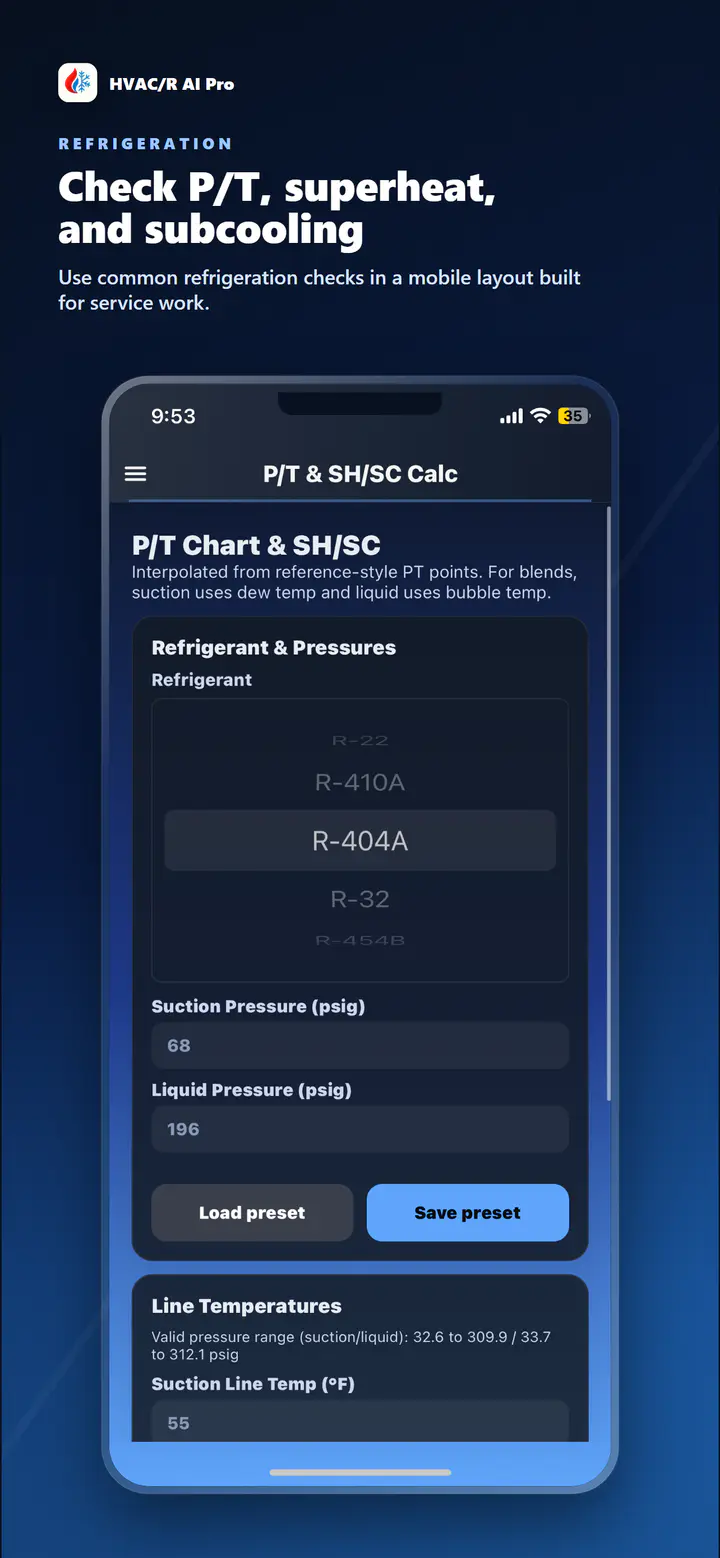
HVAC/R AI Pro includes refrigeration workflow support alongside HVAC troubleshooting, airflow, estimate, and web dashboard tools.
05Estimates
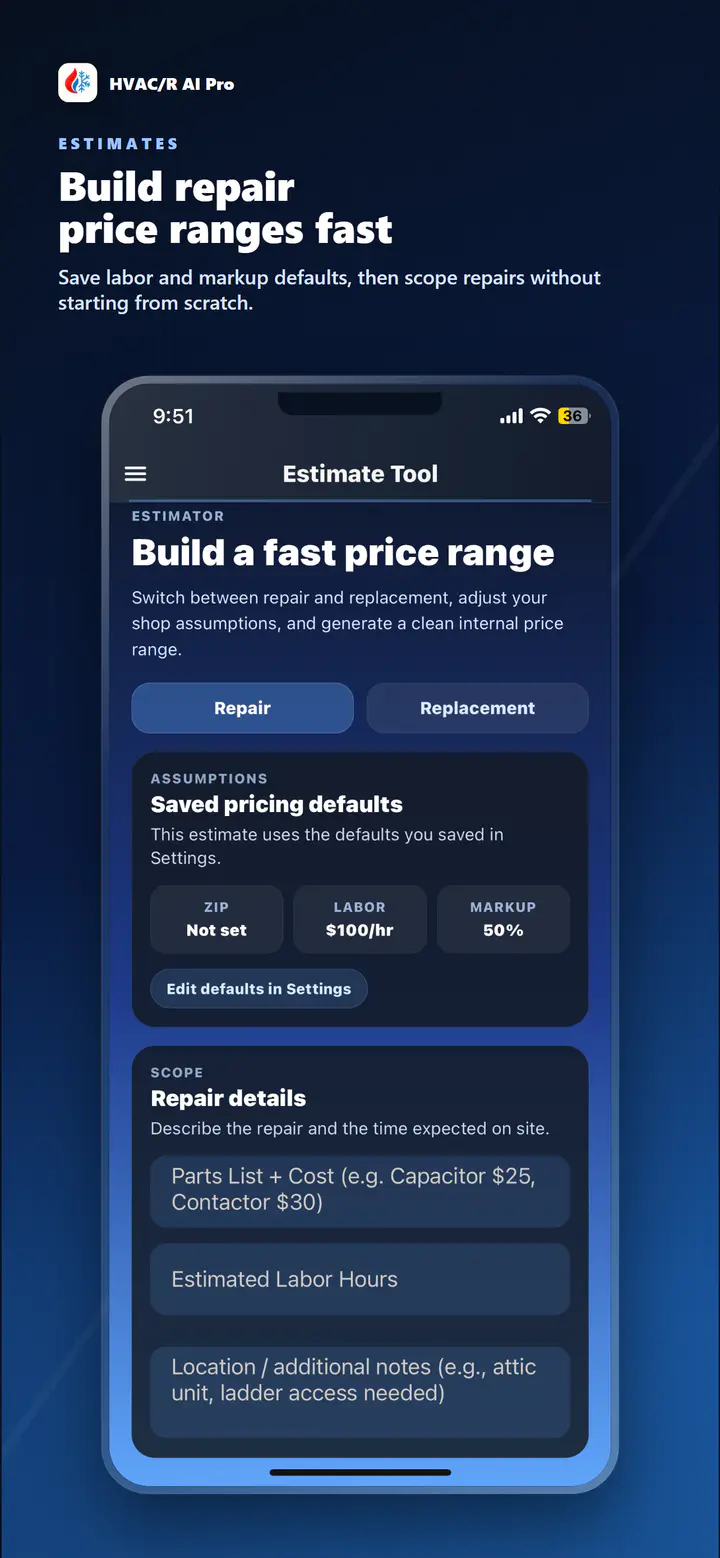
HVAC/R AI Pro helps technicians organize repair and replacement estimate conversations from the field.
06Web dashboard
The HVAC/R AI Pro web dashboard brings chat, estimates, airflow work, account tools, and future team workflows to desktop.
07Manual J
Manual J software is in development for HVAC/R AI Pro as part of a broader load calculation and dashboard roadmap.
Next step