HVAC/R AI Pro logo

HVAC/R AI Pro

Troubleshooting

AI HVAC troubleshooting for HVAC/R field technicians.

Keep symptoms, readings, equipment details, job photos, and follow-up questions in one conversation instead of a text thread with the office. HVAC/R AI Pro supports the next check; you still verify the result against the equipment in front of you. Start with a small Free weekly AI allowance; no subscription required.

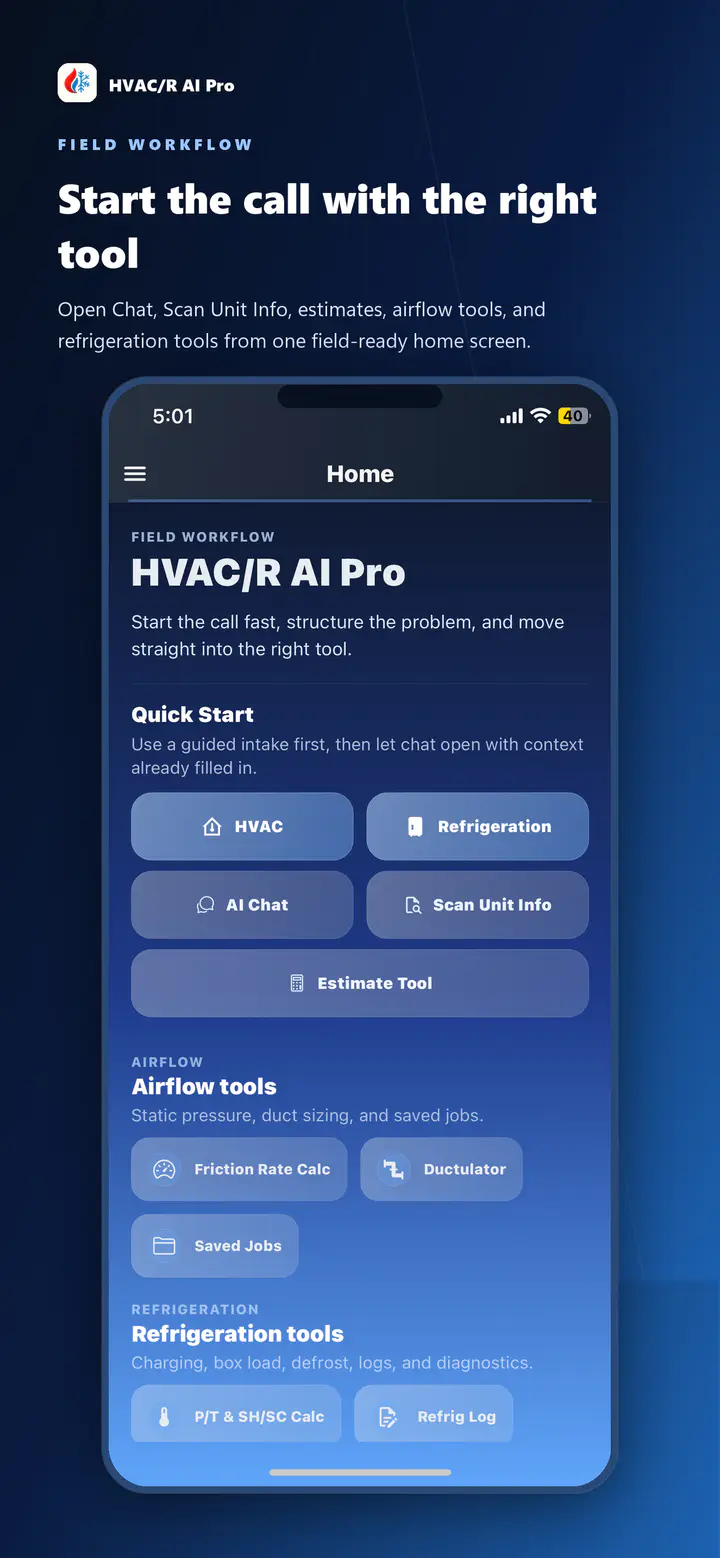
HVAC/R AI Pro mobile quick-start screen with AI Chat and connected field tools
Quick-start screen shown on iPhone.

An illustrative workflow

Work a no-cooling call in order, not by guesswork.

Take a typical no-cooling complaint: the system runs, but the space is not getting colder. Here is a sequence a technician might work through in HVAC/R AI Pro's chat instead of jumping straight to gauges. The value is not that the app hands you an answer. It keeps the sequence and everything you found in one conversation you can reference again if the unit comes back.

  1. Start with the complaint

    Describe the complaint, the equipment if you have it, and anything unusual at the thermostat or return grille. Attach reviewed equipment context from the Scanner if you already captured it, so it stays with the conversation instead of a separate note.

  2. Check the filter

    Record filter condition, size, and visible restrictions as part of the same conversation, so it is in the record if the unit gets a callback.

  3. Verify blower speed and airflow

    If the filter is clean but airflow still feels weak, move into the airflow and static-pressure tools to check total external static against equipment specs. A restriction here often explains poor cooling even when the compressor is running correctly.

  4. Check for return restriction

    Closed doors, undersized returns, and blocked grilles all reduce airflow. Describing them alongside the filter and static-pressure findings keeps the airflow picture in one place instead of scattered across separate notes.

  5. Inspect the coil

    Record coil condition and any frost or ice alongside the airflow findings. Follow equipment procedures and safe field practices; the technician verifies the cause before taking action.

  6. Record charge-related readings

    Superheat and subcooling readings mean the most once airflow issues are ruled out or corrected, since low airflow can look like a charge problem on the gauges. Record actual readings when you have them.

Technician verification

What the conversation does not replace.

HVAC/R AI Pro supports the next step in a diagnosis. It does not replace measurements, manufacturer documentation, licensing requirements, safety procedures, or your own judgment as a trained technician. Verify every reading and recommendation against the equipment in front of you before you act on it, and do not rely on it as your only source of guidance for emergency, electrical, combustion, refrigerant, or other high-risk situations.

Troubleshooting questions.

Is there a free version?

Yes. Free is $0 with a small weekly AI allowance shared across chat, photo analysis and estimates, plus selected field tools and references. Saved chats and jobs require Basic or Pro. See current plan details on the pricing page.

Which platforms can I use?

Use the app on iPhone, iPad, or Android. Free, Basic, and Pro accounts can sign in to the web dashboard for Chat, estimates, and airflow work. Saved chats and jobs require Basic or Pro.

Do I need special probes or gauges?

No. The troubleshooting conversation works from the symptoms, readings, and photos you enter yourself. It does not connect to Bluetooth probes or gauges.

Does the AI diagnose the problem for me?

No. The conversation works the call with you, keeps symptoms, readings, and job photos in one place, and suggests the next check to run. You confirm the diagnosis against the equipment in front of you before you act on it.

Can it help estimate a repair or replacement cost?

Yes. Once you have documented a diagnosis in the conversation, you can move into estimate guidance for a nonbinding repair or replacement range. It is not a binding quote, invoice, or warranty.

Can it help with refrigeration, not just HVAC?

Yes. HVAC/R AI Pro includes refrigeration tools alongside HVAC troubleshooting, airflow, and duct-sizing workflows, so a call that touches both does not require a separate app.

Can I use it for no-heat and airflow calls as well?

Yes. The sequence on this page is a no-cooling example, but you can start the conversation with whatever the call is, whether that is no heat, poor airflow, or a refrigerant complaint, and move into the airflow, static-pressure, or refrigeration tools when the call needs them.

Where do I download it?

HVAC/R AI Pro is available on the App Store for iPhone and iPad and on Google Play for Android. The Free plan is $0 to start, with Basic and Pro available if you need more usage. AI usage limits apply, including Pro.

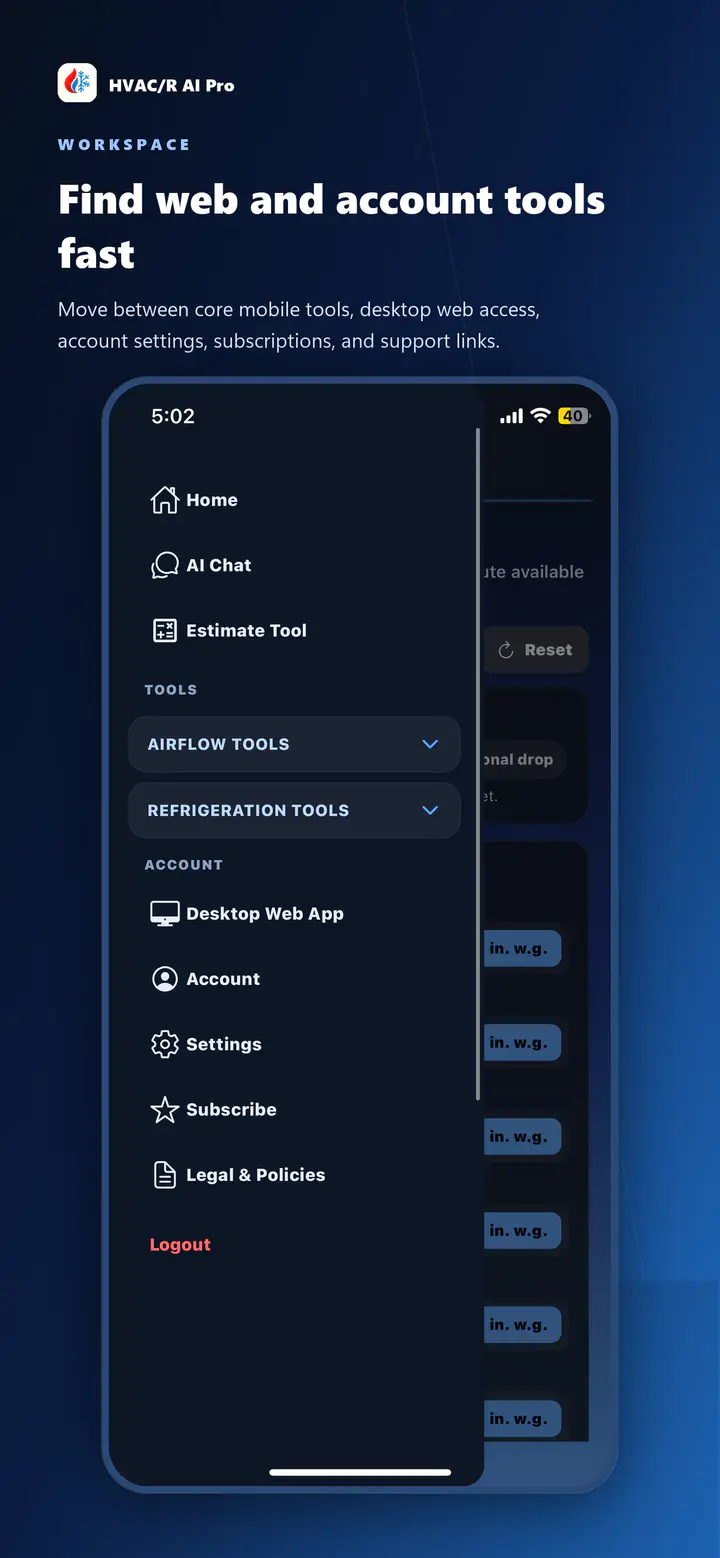
HVAC/R AI Pro account menu showing access to the signed-in web dashboard
Current account and desktop-access path.

Coming back to the same call

Pick the conversation back up if the unit returns.

Basic and Pro accounts keep saved chat history, so a follow-up visit does not start from a blank conversation. Reopen the same record on iPhone, iPad, Android, or the signed-in web dashboard, and add the new readings or photos to what you already documented, instead of asking the customer to repeat what already happened on the last call.

Start free, upgrade when you need more

Troubleshoot on iPhone, iPad, Android, or the web.